FAQ: How do I fix a mixed-up or undetected speaker?
Last updated: March 6, 2026
Open the conversation
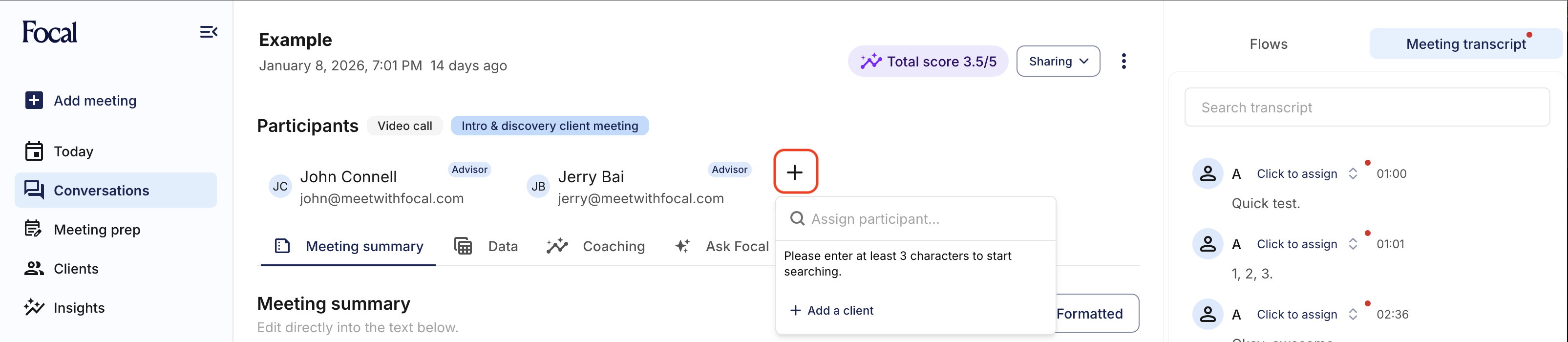
Ensure you add the correct Participants to the meeting, by clicking the (+) button and selecting from a list of Clients (and coworkers). You can create new Clients in Focal if they do not exist.
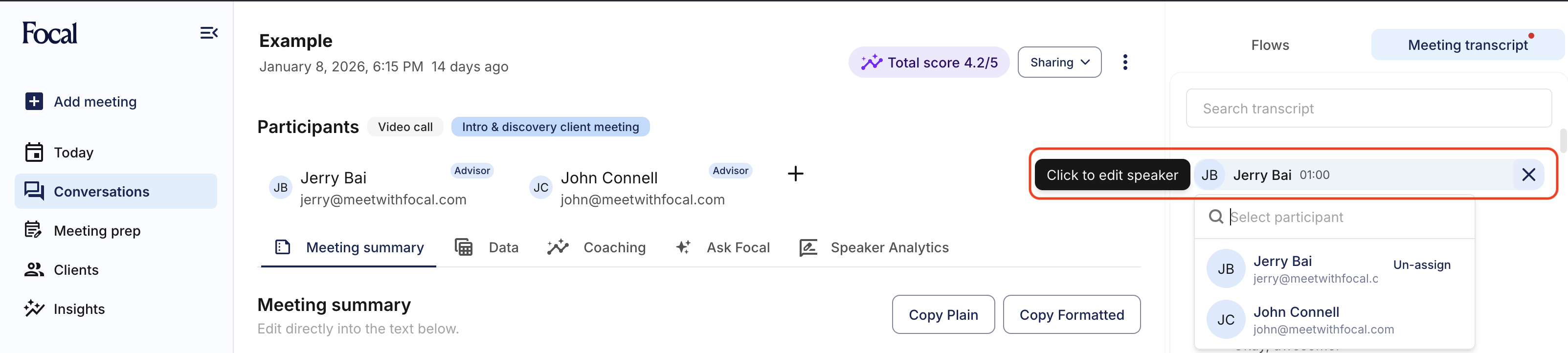
Click on Meeting transcript on the right sidebar

Select the participant to correct or assign a new participant. You can assign a participant to replace all instances of a speaker (eg Speaker A), or you can assign a participant only once to that single speaker line.
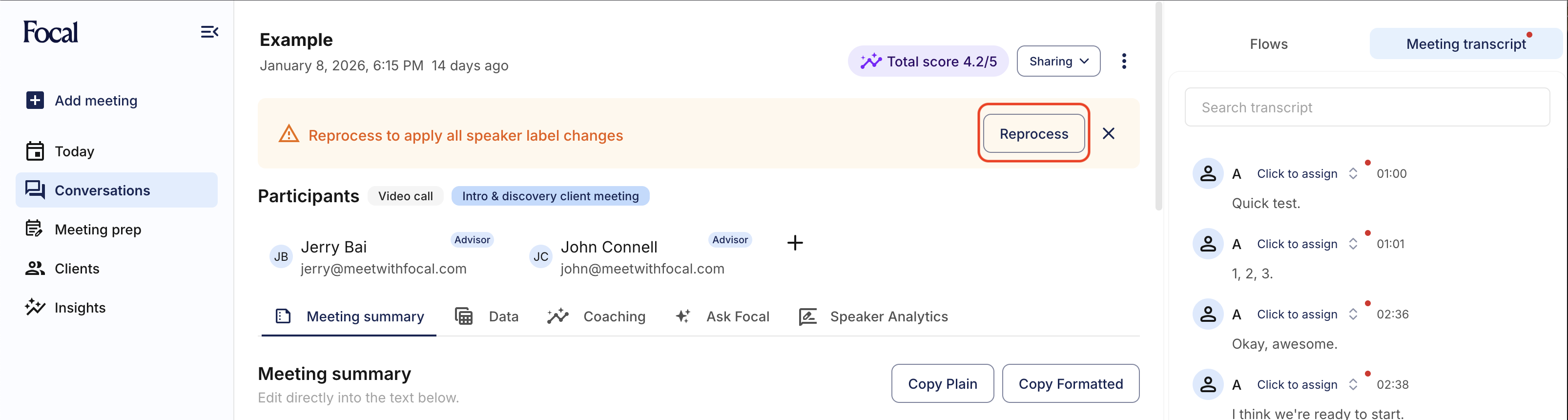
Click on Reprocess